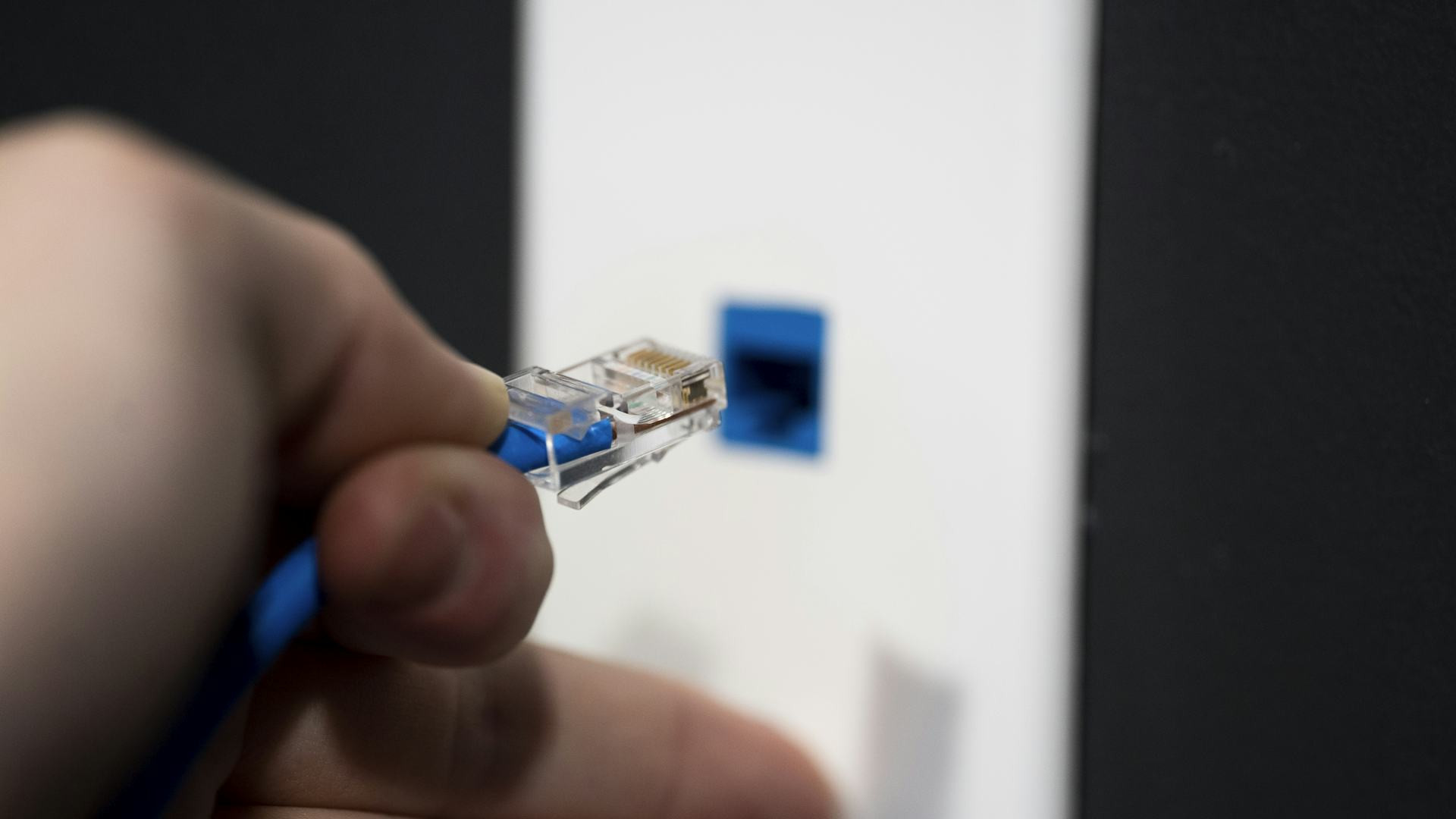
Switch Internet Providers Without Stress: How to Plan the Transition So Your Family Stays Online

Switch Internet Providers Without Stress: How to Plan the Transition So Your Family Stays Online
Switching internet providers might sound like a simple task, but for most families, it’s a crucial part of keeping daily life running smoothly. With work, school, streaming, and gaming all depending on a reliable connection, even a few hours offline can cause frustration. The good news is that with a bit of planning, you can make the transition seamless—and keep everyone connected throughout the process.
Start by Assessing Your Needs and Options
Before signing up with a new provider, take a moment to evaluate what your household really needs. How many devices are typically online at once? Does anyone work from home, stream in 4K, or play online games? The more simultaneous users and high-bandwidth activities you have, the faster your internet speed should be.
Next, check what types of internet service are available in your area. Depending on where you live, you might have access to fiber, cable, DSL, or 5G home internet. Use provider websites or broadband availability tools from the FCC to see what’s offered at your address.
When comparing providers, don’t just look at the monthly price. Consider reliability, customer service ratings, data caps, and the quality of the equipment they provide. A slightly higher price can be worth it if it means fewer outages and better support.
Plan for an Overlap Between Old and New Service
One of the most common mistakes when switching internet providers is canceling the old service before the new one is up and running. That can leave your household without internet for days—a nightmare in a busy home.
The best approach is to schedule a short overlap where both services are active. This gives you time to test the new connection before canceling the old one. Once you’re sure everything works properly, you can safely end your previous contract.
Be sure to check your current provider’s cancellation policy—many require 30 days’ notice. Some new providers will handle the cancellation for you, but it’s always smart to confirm so you don’t end up paying for two services longer than necessary.
Læs også:


Get the Right Equipment—and Set It Up Properly
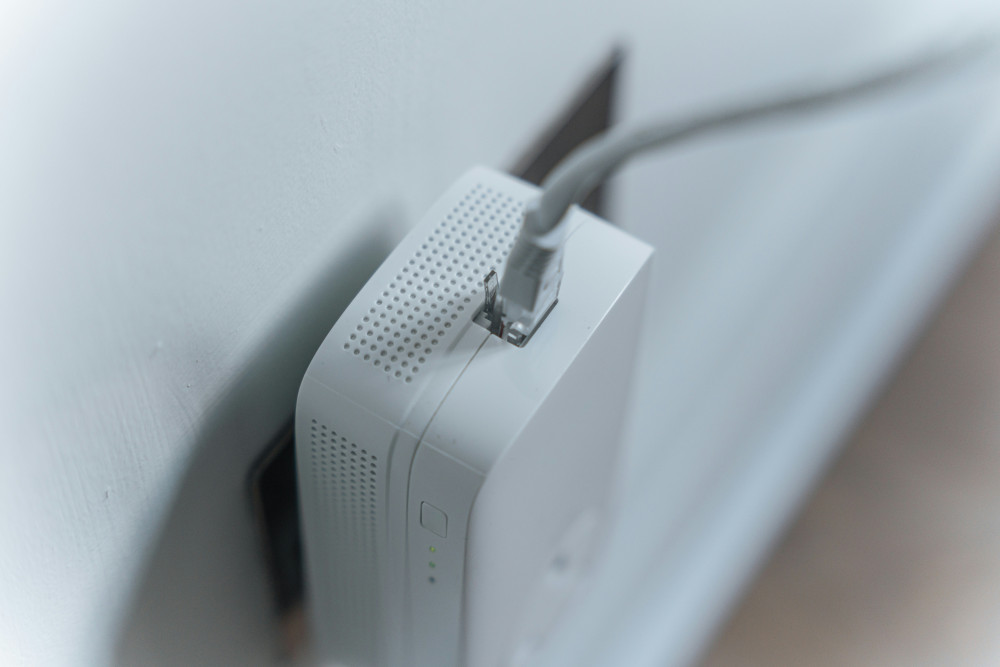
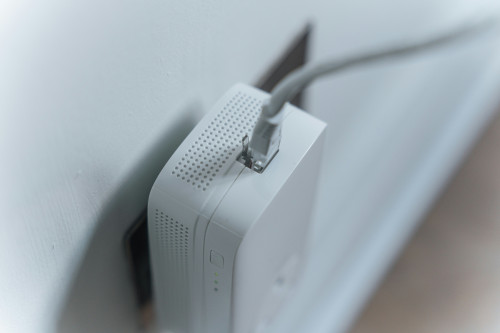
Even the fastest internet can feel slow if your router isn’t placed correctly. When you switch providers, you’ll likely receive a new router or gateway. Place it in a central location, away from thick walls, metal objects, and appliances that can interfere with the signal.
If you live in a larger home, consider adding mesh Wi-Fi units or range extenders to ensure full coverage. Many providers now offer mesh systems as part of their plans—ask about this before you sign up.
Keep your network name and password somewhere accessible to everyone in the household. If you change them during the switch, it’ll be easier to reconnect all your devices quickly.
Prepare for a Short Downtime
Even with careful planning, there might be a brief period without internet. To minimize disruption, have a few backup options ready:
- Use your smartphone as a hotspot if you need temporary access.
- Download important files or entertainment ahead of time in case you’re offline for a few hours.
- Let your family know when the switch will happen so no one is caught off guard during a work call or movie night.
If you work remotely, try to schedule the transition for a day when you don’t have meetings or deadlines.
Don’t Forget to Return Old Equipment
Once your old service is canceled, you’ll usually need to return the provider’s equipment—such as the modem, router, or TV box. Do this promptly, as many companies charge fees for unreturned gear.
Always keep the return receipt or tracking number as proof, just in case there’s any dispute later.
Make It a Family Project
Switching internet providers doesn’t have to be stressful. In fact, it’s a great opportunity to review your family’s digital habits. Maybe it’s time to update your Wi-Fi security, change passwords, or remove old devices that no longer need access.
Involve your kids in the process—it’s a good chance to teach them how home networks work and why online safety matters.
A Smooth Transition Keeps Life Running
By planning ahead, scheduling an overlap, and testing your new setup, you can avoid most of the common pitfalls of switching internet providers. The result is a smooth transition where your family barely notices the change—except for faster speeds and fewer interruptions.
In today’s connected world, a stable internet connection is as essential as electricity or running water. With a little preparation, you can make sure it stays that way—even when you switch providers.
Læs også: