Get Smooth Streaming on Older Devices – Even with Limited Performance

Make your old computer, tablet, or TV stream like new with a few simple tweaks
Internet
Internet
2 min
Struggling with lagging video or choppy sound on your older devices? Learn how to optimize your setup, boost performance, and enjoy smooth streaming without buying new equipment.
Elias Carter
Elias
Carter

Get Smooth Streaming on Older Devices – Even with Limited Performance

Make your old computer, tablet, or TV stream like new with a few simple tweaks
Internet
Internet
2 min
Struggling with lagging video or choppy sound on your older devices? Learn how to optimize your setup, boost performance, and enjoy smooth streaming without buying new equipment.
Elias Carter
Elias
Carter

Many people still have older computers, tablets, or smart TVs that work perfectly fine—until it’s time to stream a movie or show. Suddenly, the picture stutters, the sound lags, and the experience becomes frustrating. But you don’t necessarily need to replace your equipment to enjoy smooth streaming. With a few smart adjustments, even older devices can deliver a stable and enjoyable experience.

Identify the Bottleneck

When streaming starts to lag, it usually comes down to one of three things: your internet connection, your device’s performance, or the streaming app or service itself. Before making changes, it’s worth figuring out where the problem lies.

  • Test your internet speed. Use an online speed test—most streaming services recommend at least 5 Mbps for HD and 25 Mbps for 4K.
  • Check for bandwidth hogs. If others in your household are streaming or downloading at the same time, it can affect your quality.
  • Review your device’s specs. An older processor or limited RAM can struggle with modern video formats.

Once you know what’s slowing things down, you can focus your efforts where they’ll make the biggest difference.

Optimize Your Internet Connection

Even a fast internet plan can cause issues if the signal is unstable—especially over Wi-Fi.

  • Place your router in a central location. Avoid hiding it behind furniture or inside cabinets, which can weaken the signal.
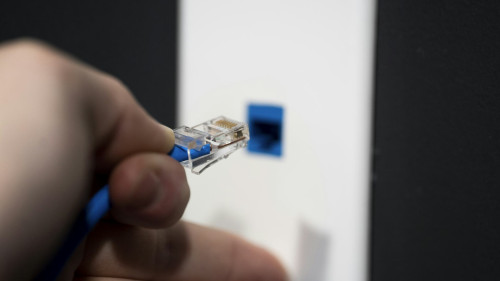
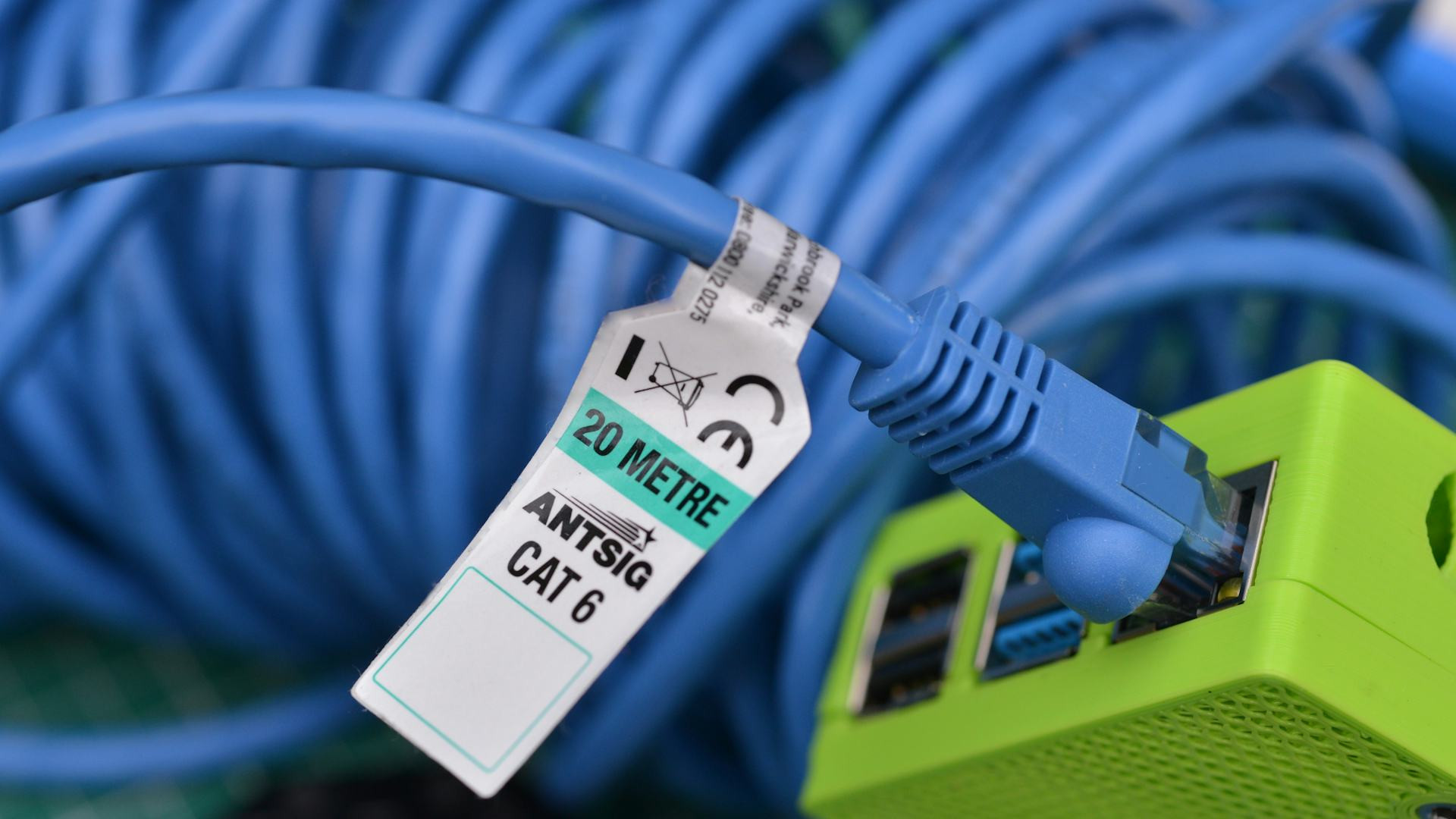
  • Use a wired connection if possible. An Ethernet cable provides a much more stable connection than Wi-Fi.
  • Update your router’s firmware. Manufacturers often release updates that improve performance and security.
  • Change your Wi-Fi channel. If nearby networks are interfering, switching channels can help.

If you live in a larger home, consider a mesh Wi-Fi system to ensure consistent coverage in every room.

Give Your Device a Boost

Older devices can often handle streaming just fine if you free up some resources and reduce background load.

  • Close unnecessary programs. Browser tabs, antivirus scans, and background updates can eat up processing power.
  • Free up storage space. A nearly full hard drive or memory can slow down your system.
  • Keep software and apps updated. Newer versions are often better optimized for streaming.
  • Use a lightweight browser. If you stream through a web browser, try one with a “lite” or performance mode.

On smart TVs, you can also try resetting or reinstalling the streaming app—this often fixes lag and buffering issues.

Adjust Video Quality

It might feel like a compromise, but lowering the resolution slightly can make a big difference on older devices. Most streaming services adjust quality automatically, but you can also do it manually.

  • Choose 720p instead of 1080p or 4K. It requires much less bandwidth and processing power.
  • Turn off HDR. Older screens and graphics chips can struggle with high dynamic range content.
  • Disable auto-play for the next episode. This gives your device a short break between streams.

Small tweaks like these can make playback smoother—and on smaller screens, the difference in picture quality is often barely noticeable.

Consider External Streaming Devices

If your device is simply too old to keep up, a low-cost streaming stick or box can be a great solution. Devices like Chromecast, Apple TV, or Amazon Fire TV Stick can breathe new life into an older television.

They only require an HDMI port and Wi-Fi, and they handle the heavy lifting of playback, leaving your old TV to act as a display. It’s a much cheaper option than buying a new smart TV.

Keep Things Running Smoothly

To prevent streaming issues from returning, it’s worth maintaining both your network and devices regularly.

  • Restart your router occasionally—it can clear up temporary glitches.
  • Clean dust from your computer or TV vents—overheating can cause stuttering.
  • Uninstall apps you no longer use.
  • Set a routine for updates so your system stays current.

These small habits can extend the life of your equipment and keep your streaming experience stable for years to come.

Enjoy Streaming Without Frustration

Even older devices can deliver a great streaming experience when properly optimized. It’s not always about having the newest gear—it’s about making the most of what you already have. With a few simple adjustments and a bit of patience, you can enjoy your favorite movies and shows smoothly, without lag, delays, or irritation.

Switch Internet Providers Without Stress: How to Plan the Transition So Your Family Stays Online
Keep your household connected with smart planning and a smooth switch
Internet
Internet
Internet
Home Network
Family Life
Technology
Connectivity
6 min
Changing internet providers doesn’t have to mean losing your connection. Learn how to plan the transition step by step so your family can keep working, studying, and streaming without interruption.
Ariana Lewis
Ariana
Lewis
Fiber Internet Explained – Choose the Right Plan with Technical Insight
Understand how fiber technology delivers lightning-fast internet and find the plan that fits your needs
Internet
Internet
Fiber Internet
Broadband
Home Network
Technology Guide
Internet Plans
7 min
Discover what makes fiber internet the gold standard for speed and reliability. This guide breaks down how fiber connections work, compares them to other internet types, and helps you choose the right plan based on your household’s usage and budget.
Wyatt Evans
Wyatt
Evans
Get Smooth Streaming on Older Devices – Even with Limited Performance
Make your old computer, tablet, or TV stream like new with a few simple tweaks
Internet
Internet
Streaming
Technology Tips
Device Optimization
Internet
Home Entertainment
2 min
Struggling with lagging video or choppy sound on your older devices? Learn how to optimize your setup, boost performance, and enjoy smooth streaming without buying new equipment.
Elias Carter
Elias
Carter
Powerline Adapters: Extend Your Home Network Through Your Electrical Wiring
Boost your internet coverage with a simple plug‑in solution
Internet
Internet
Powerline Adapter
Home Network
Internet Connection
Wi‑Fi
Technology
5 min
Struggling with weak Wi‑Fi in certain rooms? Powerline adapters let you extend your home network through your existing electrical wiring, providing a fast and stable connection without extra cables or complex setup. Learn how they work and what to consider before choosing one.
Violet Hernandez
Violet
Hernandez
Has Your Wi-Fi Been Compromised? How to Spot the Warning Signs
Learn how to detect if someone has infiltrated your Wi-Fi network before your data is at risk
Internet
Internet
Wi-Fi Security
Cybersecurity
Home Network
Online Privacy
Internet Safety
5 min
Your Wi-Fi network is the gateway to your digital life — but how secure is it really? Discover the key warning signs of a compromised connection, how to check for intruders, and the steps you can take to safeguard your privacy and devices.
Reid Turner
Reid
Turner
Greener Homes with Smart Appliances: How Energy Management Contributes to a More Sustainable Environment
Discover how smart technology is reshaping modern living and paving the way for more energy-efficient homes.
Technology
Technology
Smart Home
Energy Efficiency
Sustainability
Green Living
Technology
2 min
Smart appliances are revolutionizing home life by combining convenience with sustainability. Learn how intelligent energy management systems help reduce power consumption, lower costs, and support a cleaner environment—one household at a time.
Ariana Lewis
Ariana
Lewis
Digital Health in Everyday Life – Easier Access to Knowledge and Online Guidance
How digital tools are transforming the way we manage our health and access care
Technology
Technology
Digital Health
Technology
Well-being
Online Healthcare
Data Security
5 min
From fitness trackers to online consultations, digital health is reshaping everyday life. Discover how technology makes healthcare more accessible, supports personal well-being, and raises new questions about data security and trust.
Wyatt Evans
Wyatt
Evans
Automation in the Service Industry: How Technology Enhances Customer Service and Operations
Discover how automation is reshaping the service industry and redefining the customer experience
Technology
Technology
Automation
Service Industry
Customer Experience
Technology
Innovation
7 min
From chatbots and self-service kiosks to data-driven decision-making, automation is transforming how service businesses operate and interact with customers. Learn how technology enhances efficiency, improves satisfaction, and creates new opportunities for employees and companies alike.
Elias Carter
Elias
Carter