Is Your Network Ready for Cloud Gaming? How to Test It Without Advanced Equipment

Is Your Network Ready for Cloud Gaming? How to Test It Without Advanced Equipment
Cloud gaming promises console-quality experiences without the need for expensive hardware — all you need is a solid internet connection. But is your home network really ready to stream games smoothly, without lag or stutter? The good news is that you don’t need any specialized tools to find out. Here’s a simple guide to testing and optimizing your connection for cloud gaming.
What Cloud Gaming Demands from Your Network
When you play through services like Xbox Cloud Gaming, NVIDIA GeForce Now, or Amazon Luna, the game runs on a remote server and streams to your screen like a video. That means your experience depends on three key factors:
- Speed (download and upload) – how fast data moves between you and the server. Most services recommend at least 15–25 Mbps for 1080p streaming, and more for 4K.
- Latency (ping) – how long it takes for your input to reach the server and come back. Lower latency means more responsive gameplay.
- Stability (jitter and packet loss) – how consistently your connection delivers data. Even a fast connection can feel choppy if it’s unstable.
In short, cloud gaming isn’t just about speed — it’s about reliability.
Læs også:



How to Test Your Connection
You can get a good sense of your network’s performance using free online tools:
- Run a speed test – Try speedtest.net or fast.com. They’ll show your download speed, upload speed, and ping.
- Check consistency – Run the test several times throughout the day. If your results vary widely, your network may be congested during peak hours.
- Test on your gaming device – Whether it’s a console, PC, or phone, test the connection directly on the device you’ll use for gaming.
- Try a cloud gaming demo – Many platforms offer free trials. This is the most realistic test: does the game feel smooth, or do you notice lag?
Write down your results — it’ll help you identify patterns and areas for improvement.
Wired or Wireless? Choose the Right Connection
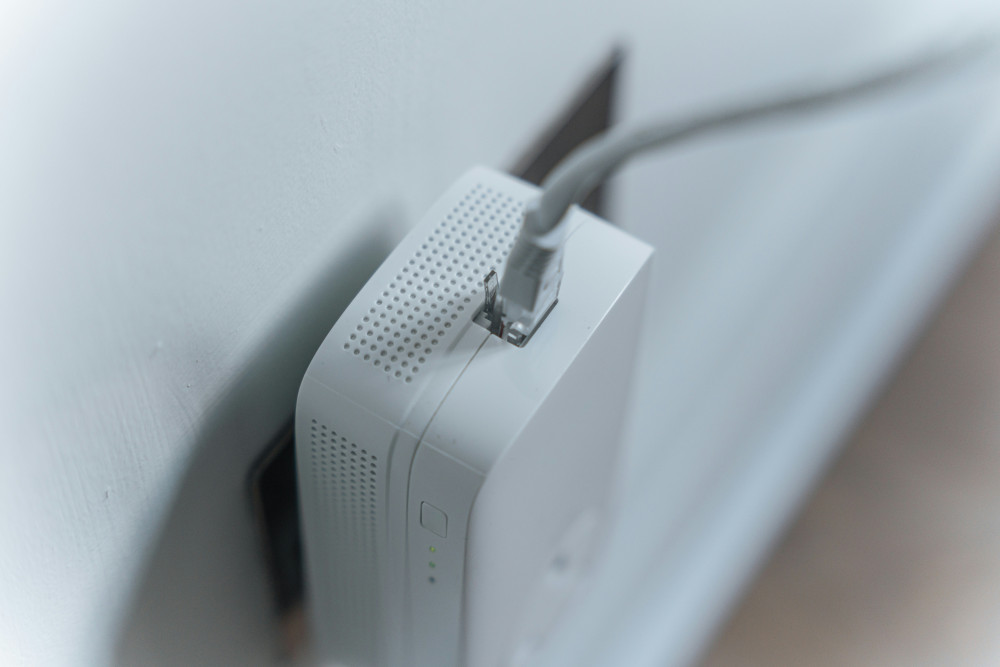
Wi-Fi is convenient, but it’s not always the most stable option for cloud gaming. A wired Ethernet connection usually provides lower latency and fewer dropouts. If you’re gaming on a desktop or console, it’s worth plugging in directly to your router.
If you must use Wi-Fi, you can improve performance by:
- Placing your router in a central, open location.
- Using the 5 GHz band instead of 2.4 GHz, if your router supports it.
- Reducing the number of devices connected at the same time.
Try gaming both wired and wireless — the difference can be surprising.
Avoid Bottlenecks in Your Home Network
Even a strong internet plan can struggle if multiple people are streaming, downloading, or video chatting at once. To keep your gaming smooth:
- Play during off-peak hours when fewer people are online.
- Close unnecessary apps and downloads on your device.
- Enable “Quality of Service” (QoS) in your router settings, if available. This feature prioritizes gaming traffic over other types of data.
Small adjustments like these can make a big difference in responsiveness.
What If You Still Experience Lag?
If your connection still feels sluggish, consider these steps:
- Upgrade your internet plan if you regularly stream in high resolution or share your connection with others.
- Replace an old router — models older than four or five years may not handle modern traffic efficiently.
- Contact your ISP — sometimes they can adjust your connection or move you to a less congested route.
It’s also worth checking the cloud gaming service’s status page — the issue might be on their end.
Ready to Play in the Cloud
Once you’ve tested and fine-tuned your network, you’re well on your way to a smooth cloud gaming experience. You don’t need to be a tech expert — just a bit of patience and a methodical approach.
With a stable connection, you can enjoy the best of cloud gaming: instant access to new titles, no downloads, and the freedom to play on almost any device.
So before you invest in new hardware, test your network first — it might already be ready to take your gaming to the cloud.
Læs også: